<!--begin-bvseo-questions-->
<!--begin-questions-->
<div id="bvseo-questionsSection">
<div class="bvseo-question-answer" data-questionid="6579330">
<h2 class="bvseo-question">
Does the screen and volume stay on all the time while in use? Also do you need to charge the little screen daily?&nbsp;
</h2>
<div class="bvseo-question-detail">
</div>
<div class="bvseo-author">Asked by: April592</div>
<div class="bvseo-answer" data-answerid="7032753">
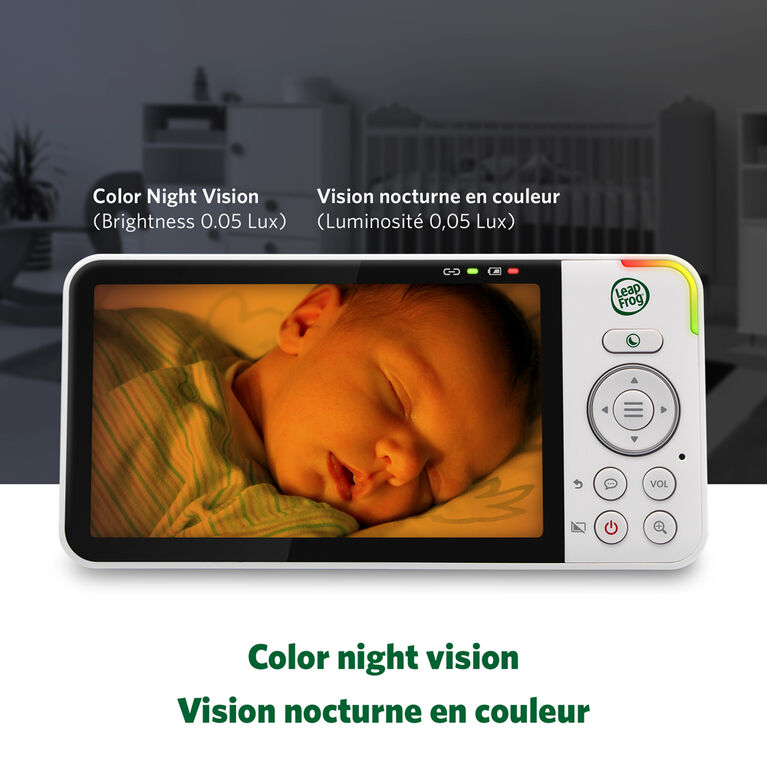
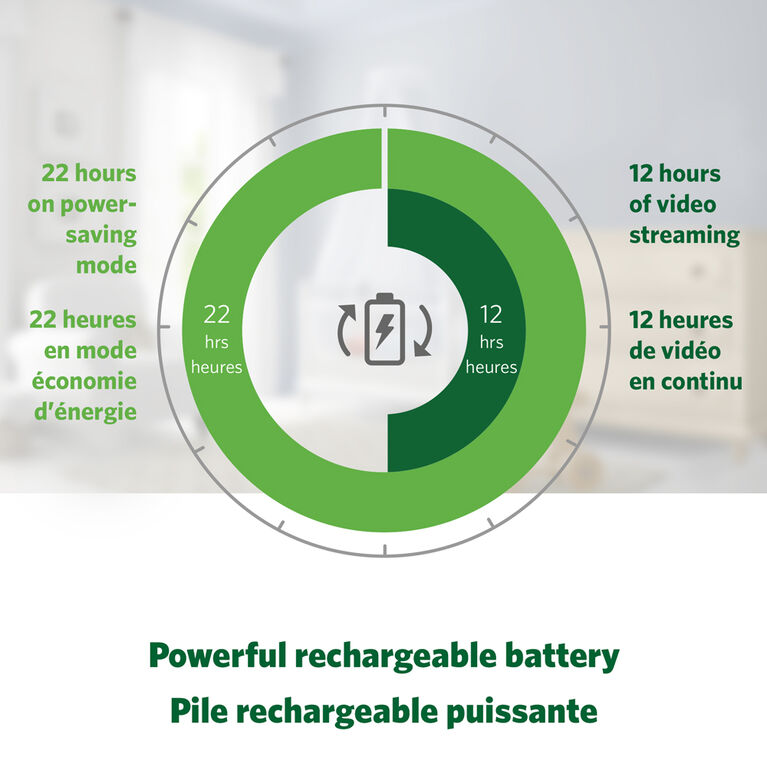
You can select in the Menu to Enable/Disable Sound Activation Mode. When Enabled, you set the Sound Threshold from 5 different sensitivity levels. The monitor checks every 50 seconds, if the sound level is not met, the screen goes dark (standby mode) saving you battery power. When on the A/C Adapter, you can Disable Sound Activation Mode, and have the Screen always on. This is the best way to save the battery when off the charger. Just like your Cell phone, it should power off when not in active use to save the battery if you plan to be off the A/C charger for a long time
<div class="bvseo-author">Answered by: VTech Product Expert</div>
<div class="bvseo-pubdate">Date published: 2023-11-27</div>
</div>
</div>
<div class="bvseo-question-answer" data-questionid="6493570">
<h2 class="bvseo-question">
Est ce que le moniteur peu etre utilis&eacute; sans wi-fi?
</h2>
<div class="bvseo-question-detail">
</div>
<div class="bvseo-author">Asked by: Vany23</div>
<div class="bvseo-answer" data-answerid="6954703">
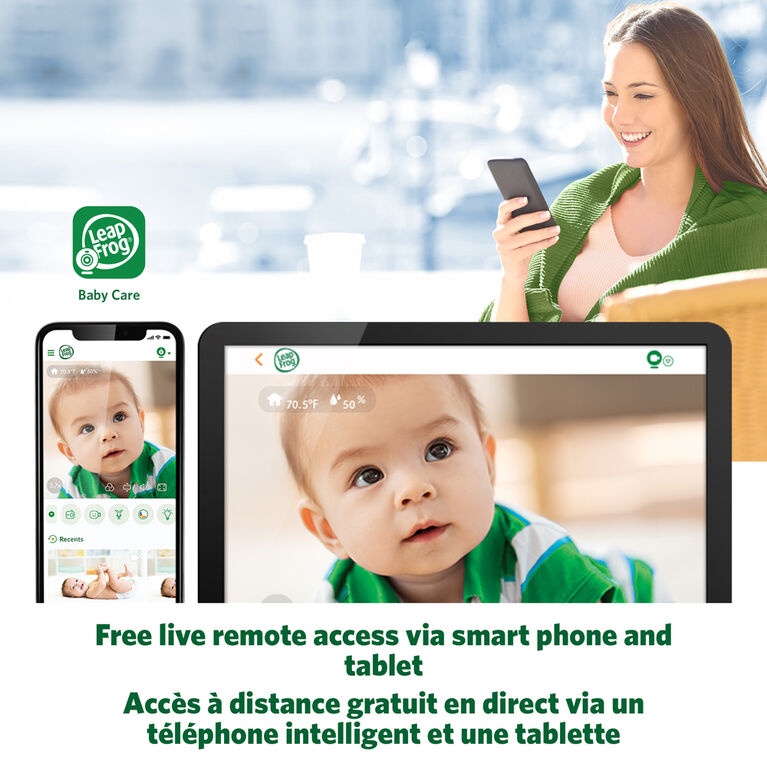
[Fran&ccedil;ais ci-dessous} Yes, this Dual Mode monitor will work by default (out of the box) at 2.4 GHz FHSS in a closed loop with the Parent unit. You can optionally toggle ON WiFi from the Parent unit, and connect it to your LAN. From then on, it will be dual mode, with both 2.4GHz to parent unit, and WiFi to the Internet via your wireless Router. To view the WiFi stream on Internet, you will need to download the FREE MyVTech App from the App Store, and create a password protected account. This account will allow up to a max of 8 smart devices (iPhone, Android, Tablet) to access the stream from anywhere in the world, as long as they have the App loaded with the account password. At any time, the parent unit can toggle WiFi back to OFF, and the camera will be back to ONLY closed loop 2.4GHz with the parent unit, and the WiFi users will no longer see anything. [FRENCH] Oui, ce moniteur Dual Mode fonctionnera par d&eacute;faut (pr&ecirc;t &agrave; l'emploi) &agrave; 2,4 GHz FHSS en boucle ferm&eacute;e avec l'unit&eacute; parent. Vous pouvez &eacute;ventuellement activer le WiFi depuis l'unit&eacute; parentale et la connecter &agrave; votre r&eacute;seau local. &Agrave; partir de l&agrave;, il sera en mode double, avec &agrave; la fois 2,4 GHz vers l'unit&eacute; parent et WiFi vers votre routeur sans fil et Internet. Pour visualiser le flux WiFi sur Internet, vous devrez t&eacute;l&eacute;charger l'application GRATUITE MyVTech depuis l'App Store et cr&eacute;er un compte prot&eacute;g&eacute; par mot de passe. Ce compte permettra &agrave; un maximum de 8 appareils intelligents (iPhone, Android, tablette) d'acc&eacute;der au flux depuis n'importe o&ugrave; dans le monde, &agrave; condition qu'ils aient charg&eacute; l'application, le compte, le mot de passe ET que l'unit&eacute; parent dispose du WiFi. bascul&eacute; en position ON. &Agrave; tout moment, l'unit&eacute; parent peut remettre le WiFi sur OFF, et la cam&eacute;ra reviendra UNIQUEMENT en boucle ferm&eacute;e 2,4 GHz avec l'unit&eacute; parent, et les utilisateurs WiFi ne verront plus rien.
<div class="bvseo-author">Answered by: VTech Product Expert</div>
<div class="bvseo-pubdate">Date published: 2023-09-25</div>
</div>
</div>
<div class="bvseo-question-answer" data-questionid="6456299">
<h2 class="bvseo-question">
Do you need to be connected to WIFI to use the Parent unit?&nbsp;
</h2>
<div class="bvseo-question-detail">
</div>
<div class="bvseo-author">Asked by: Mommy2023</div>
<div class="bvseo-answer" data-answerid="6922715">
No, you don't need WiFi, it is optional should you choose to enable it. All of our WiFi Monitors are DUAL mode. This means that out of the box, they are set to work ONLY on 2.4 GHz FHSS in a closed loop between the Camera and the Parent unit. In the Menu setting of the Parent unit, you have the ability to Enable/Disable the Wifi. It's default is set to Disable, but once you enable it, it will look for your local LAN, and you will be prompted to enter your Router Password. After which, it will be using BOTH bands to stream. To view the WiFi stream, you will need to download the free MyVTech App from the App store, and set up a Password protected account. After which, up to 8 smart devices (Smart Phones, Tablets, etc) can view the video stream anywhere on the planet if they have the MyVtech App installed and the User/Password credentials to log in. At any time, you can Disable WiFi from the Parent unit, and go back to exclusively using the closed loop 2.4 GHz FHSS. The WiFi can only be enabled from the Parent Unit menu. I hope this explanation was helpful.
<div class="bvseo-author">Answered by: VTech Product Expert</div>
<div class="bvseo-pubdate">Date published: 2025-04-26</div>
</div>
</div>
<div class="bvseo-question-answer" data-questionid="5823314">
<h2 class="bvseo-question">
Are these wall mountable&nbsp;
</h2>
<div class="bvseo-question-detail">
</div>
<div class="bvseo-author">Asked by: Anonymous</div>
<div class="bvseo-answer" data-answerid="6350189">
Yes, it comes with Wall Mounting Bracket, and wall Screws, in the box.
<div class="bvseo-author">Answered by: VTech Product Expert</div>
<div class="bvseo-pubdate">Date published: 2023-06-30</div>
</div>
</div>
<div class="bvseo-question-answer" data-questionid="5686997">
<h2 class="bvseo-question">
Does this camera tilt or rotate so you can change the view you are seeing?
</h2>
<div class="bvseo-question-detail">
</div>
<div class="bvseo-author">Asked by: wmabee</div>
<div class="bvseo-answer" data-answerid="6222364">
The feature you are looking for is Pan &amp; Tilt, and that is the Leapfrog model LF915HD. This model LF815HD is fixed camera.
<div class="bvseo-author">Answered by: VTech Product Expert</div>
<div class="bvseo-pubdate">Date published: 2023-11-26</div>
</div>
</div>
<div class="bvseo-question-answer" data-questionid="5588274">
<h2 class="bvseo-question">
Can the baby unit be used cordless or does it need to be plugged in? And is it easy to switch between using the parent unit or the wifi option on your phone?
</h2>
<div class="bvseo-question-detail">
</div>
<div class="bvseo-author">Asked by: TCANADA</div>
<div class="bvseo-answer" data-answerid="6184596">
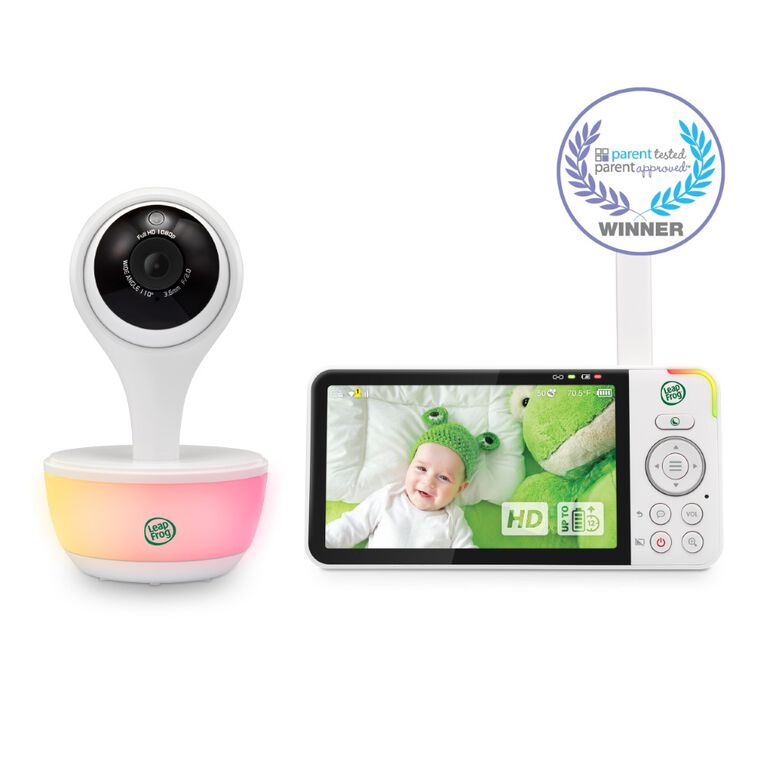
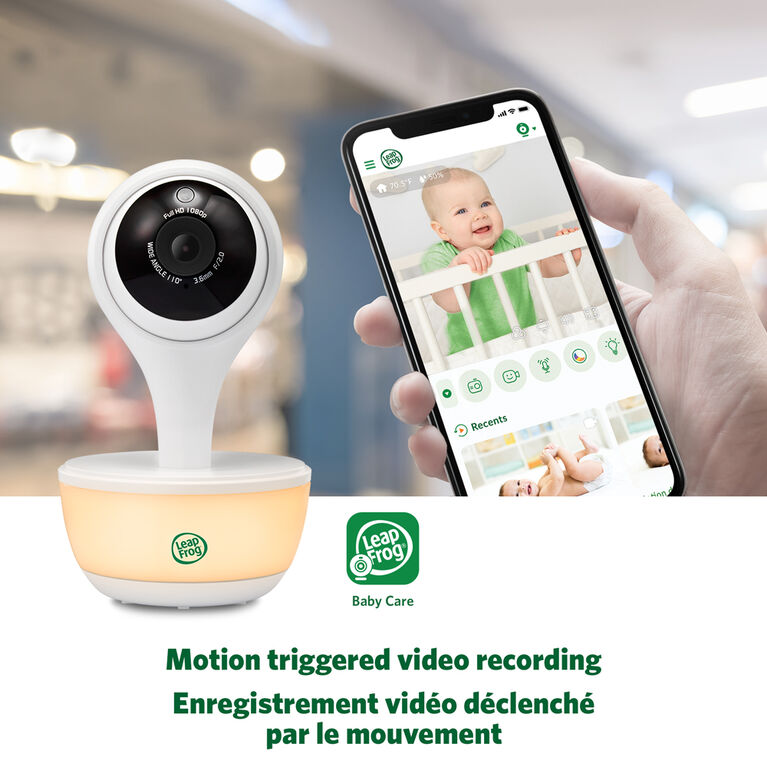
The Baby Camera requires A/C adapter, so this is plugged in when functioning. The Parent unit comes with a rechargeable battery, so you can walk around the home and stay connected to the camera cordlessly. The parent unit works out of the box, no set up required for this Direct Mode. The WiFi requires you to set up the cell phone by downloading the LeapFrog mobile app. So there's an extra step to using WiFi.
<div class="bvseo-author">Answered by: VTech Product Expert</div>
<div class="bvseo-pubdate">Date published: 2023-06-30</div>
</div>
</div>
</div>
<script type="text/javascript">
if (document.getElementById('bvseo-questionsSection')) {
document.getElementById('bvseo-questionsSection').style.display = 'none';
}
</script>
<!--end-questions-->
<ul id="BVSEO_meta" style="display:none!important">
<li data-bvseo="bvDateModified">y_2025, m_12, d_13, h_9CST</li>
<li data-bvseo="ps">bvseo_bulk, prod_bvqa, vn_bulk_3.0.42</li>
<li data-bvseo="cp">cp_1, bvpage1</li>
<li data-bvseo="co">co_hasquestionsanswers, tq_6</li>
<li data-bvseo="cf">loc_en_CA, sid_64190B8B, prod, sort_[SortEntry(order=LAST_APPROVED_ANSWER_SUBMISSION_TIME, direction=DESCENDING)]</li>
<li data-bvseo="diagnostics">clientName_toysrus-ca</li>
</ul>
<!--end-bvseo-questions-->
<ul id="BVSEOSDK_meta" style="display: none !important;">
<li data-bvseo="sdk">bvseo_sdk, dw_cartridge, 18.2.0, p_sdk_3.2.0</li>
<li data-bvseo="sp_mt">CLOUD, getContent, 5ms</li>
<li data-bvseo="ct_st">questions, product</li>
</ul>