<!--begin-bvseo-questions-->
<!--begin-questions-->
<div id="bvseo-questionsSection">
<div class="bvseo-question-answer" data-questionid="6744985">
<h2 class="bvseo-question">
Can this baby monitor be used with out being on wifi was well ?&nbsp;
</h2>
<div class="bvseo-question-detail">
</div>
<div class="bvseo-author">Asked by: C2024</div>
<div class="bvseo-answer" data-answerid="7180098">
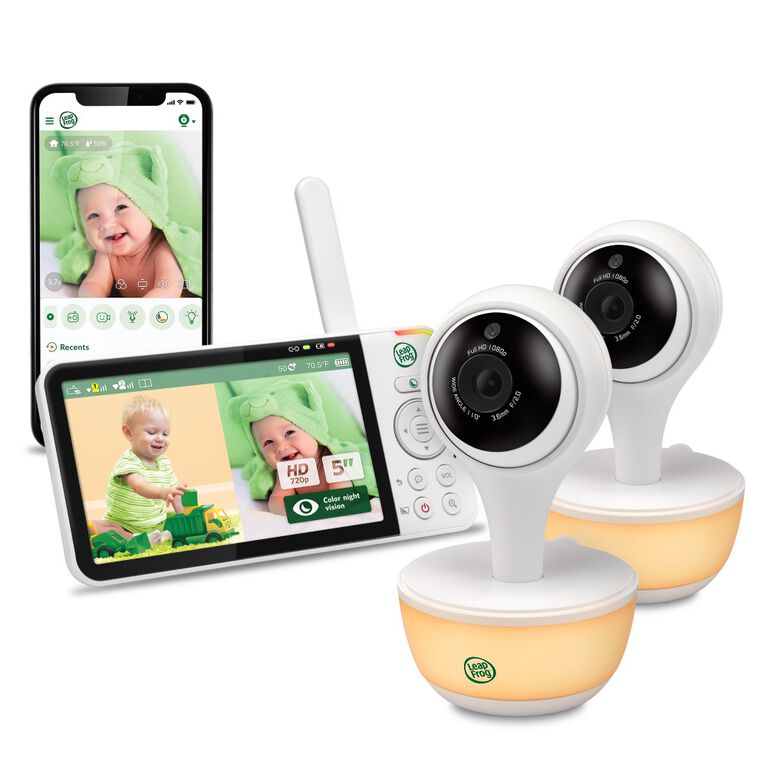
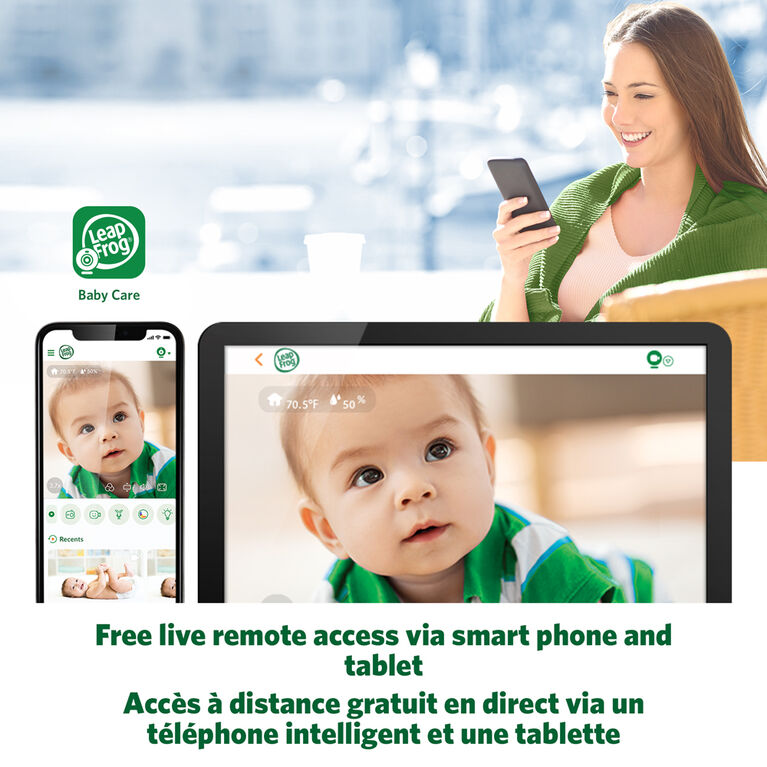
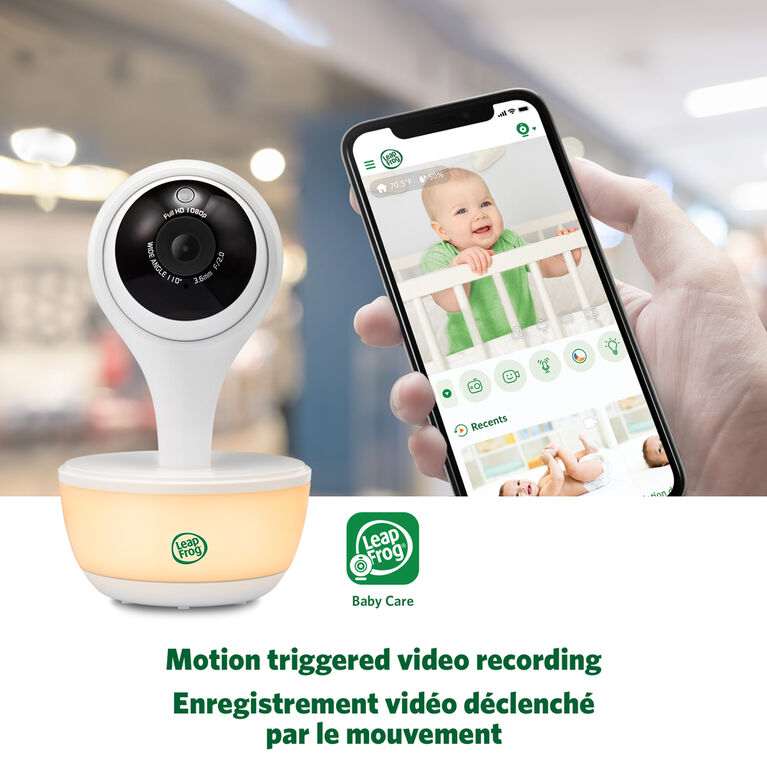
All of our WiFi monitors are actually dual mode. Loop 1 is a closed loop 2.4GHz Frequency Hopping Spread Spectrum, and is always on, working out of the box, connecting the Parent Unit to the Camera. No one but the parent unit sees this feed. There is a second mode, called WiFi, that can allow the camera to send the audio/video feed to your local router, and from there out to the internet. This WiFi mode is in the OFF position from the factory BY DEFAULT. To enable WiFi, you need to pair the camera to your router (this is a one time setup, you do not have to repeat this after the first time), then you need to download the Free Leapfrog App from the App store. Create a password protected account with the App in order to access the feed from any smart device (iphone, Android, tablet) connected to the web (without the App and password, no access), but there's still one more level of protection, you have to toggle the WiFi ON from the parent unit. You can also toggle it back OFF at any time, making anyone with the APP unable to see anything. You control the WiFi from the Parent unit, after it's set up. So you can turn it On to let Grandparents see at a specific time, or when you leave home for a short business trip, then toggle it Off when you no longer want the WiFi available. The best of both worlds.
<div class="bvseo-author">Answered by: VTech Product Expert</div>
<div class="bvseo-pubdate">Date published: 2024-03-28</div>
</div>
</div>
<div class="bvseo-question-answer" data-questionid="6704183">
<h2 class="bvseo-question">
Are these able to be mounted on the wall?
</h2>
<div class="bvseo-question-detail">
</div>
<div class="bvseo-author">Asked by: Tor13</div>
<div class="bvseo-answer" data-answerid="7144190">
Yes, in fact there is a wall mounting bracket and the drywall screws included in the box already. (1) for every camera in the bundle (so a 2 camera bundle has 2 wall mounting brackets included in the box).
<div class="bvseo-author">Answered by: VTech Product Expert</div>
<div class="bvseo-pubdate">Date published: 2024-10-20</div>
</div>
</div>
<div class="bvseo-question-answer" data-questionid="6651934">
<h2 class="bvseo-question">
Can the night light be turned off or is there always a light on the unit?
</h2>
<div class="bvseo-question-detail">
</div>
<div class="bvseo-author">Asked by: Mamajess94</div>
<div class="bvseo-answer" data-answerid="7095303">
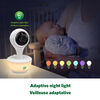
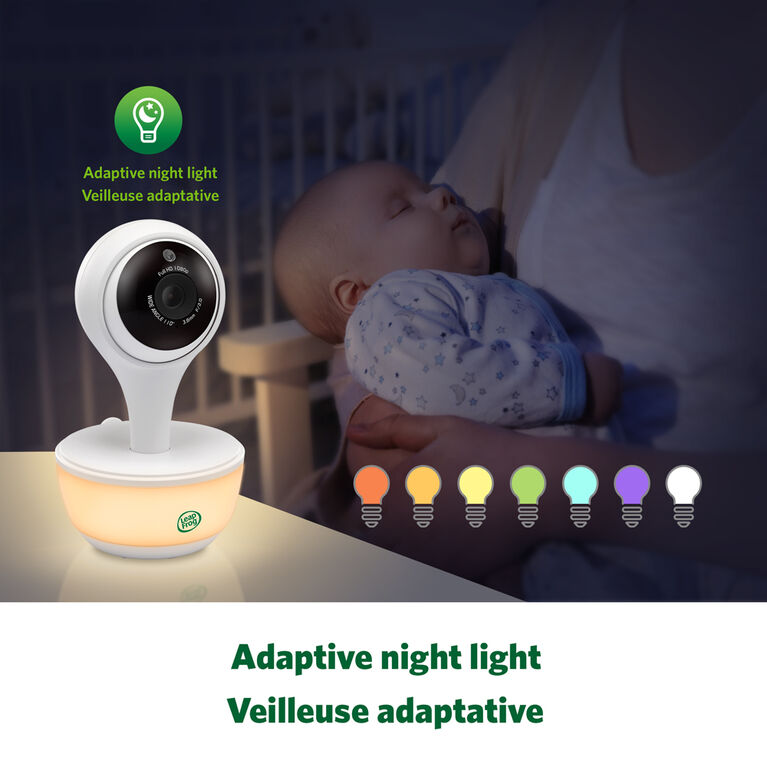
There is a button, at the very top of the baby unit, above the camera lens, which turns the night light ON/OFF. It's not with the other buttons on the bottom, so that it makes it easier to access without moving or picking up the camera.
<div class="bvseo-author">Answered by: VTech Product Expert</div>
<div class="bvseo-pubdate">Date published: 2023-12-29</div>
</div>
</div>
<div class="bvseo-question-answer" data-questionid="6213930">
<h2 class="bvseo-question">
Do you get audio from both cameras?
</h2>
<div class="bvseo-question-detail">
</div>
<div class="bvseo-author">Asked by: Mom for 2</div>
<div class="bvseo-answer" data-answerid="6987792">
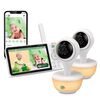
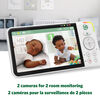
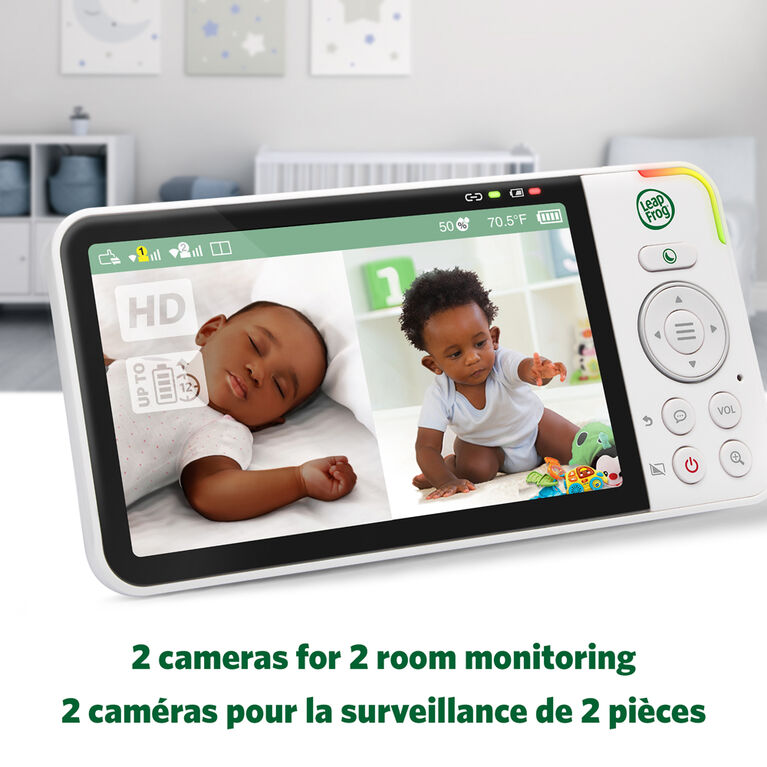
Yes, you will receive audio from both cameras on the LeapFrog LF815-2HD 1080p WiFi Remote Access 2 Camera Video Baby Monitor with 5&quot; High Definition 720p Display, Night Light, Color Night Vision (White)
<div class="bvseo-author">Answered by: VTech Product Expert</div>
<div class="bvseo-pubdate">Date published: 2023-10-23</div>
</div>
</div>
<div class="bvseo-question-answer" data-questionid="5981448">
<h2 class="bvseo-question">
Do you need the camera to be connected to WiFi to use the screen that it comes with ?
</h2>
<div class="bvseo-question-detail">
</div>
<div class="bvseo-author">Asked by: Willis613</div>
<div class="bvseo-answer" data-answerid="6502960">
You do NOT require WiFi to use the Parent LCD. This works directly out of the box, on a closed loop 2.4GHz FHSS. The option to enable WiFi is available in the config menu, and is completely optional on ALL our WiFi model Baby Monitors. If you want to you a smart device like a Tablet, Laptop, Iphone, Android phone, then you need to enable WiFi and pair to your local Router, and download our My VTech App to view the video stream...but this is not enabled out of the box, and is an option available should you choose to use it.
<div class="bvseo-author">Answered by: VTech Product Expert</div>
<div class="bvseo-pubdate">Date published: 2024-03-28</div>
</div>
</div>
</div>
<script type="text/javascript">
if (document.getElementById('bvseo-questionsSection')) {
document.getElementById('bvseo-questionsSection').style.display = 'none';
}
</script>
<!--end-questions-->
<ul id="BVSEO_meta" style="display:none!important">
<li data-bvseo="bvDateModified">y_2025, m_12, d_12, h_4CST</li>
<li data-bvseo="ps">bvseo_bulk, prod_bvqa, vn_bulk_3.0.42</li>
<li data-bvseo="cp">cp_1, bvpage1</li>
<li data-bvseo="co">co_hasquestionsanswers, tq_5</li>
<li data-bvseo="cf">loc_en_CA, sid_14A808FB, prod, sort_[SortEntry(order=LAST_APPROVED_ANSWER_SUBMISSION_TIME, direction=DESCENDING)]</li>
<li data-bvseo="diagnostics">clientName_toysrus-ca</li>
</ul>
<!--end-bvseo-questions-->
<ul id="BVSEOSDK_meta" style="display: none !important;">
<li data-bvseo="sdk">bvseo_sdk, dw_cartridge, 18.2.0, p_sdk_3.2.0</li>
<li data-bvseo="sp_mt">CLOUD, getContent, 9ms</li>
<li data-bvseo="ct_st">questions, product</li>
</ul>